Programming
How to Configure Prettier + TailwindCSS + Jinja in VSCode
 Thorne Wolfenbarger
Create .prettierrc.json
{
    "overrides": [
        {
            "files": "**/*.jinja",
            "options": {
                "parser": "jinja-template"
            }
        }
    ],
    "plugins": ["prettier-plugin-jinja-template", "prettier-plugin-tailwindcss"]

}
Run following command
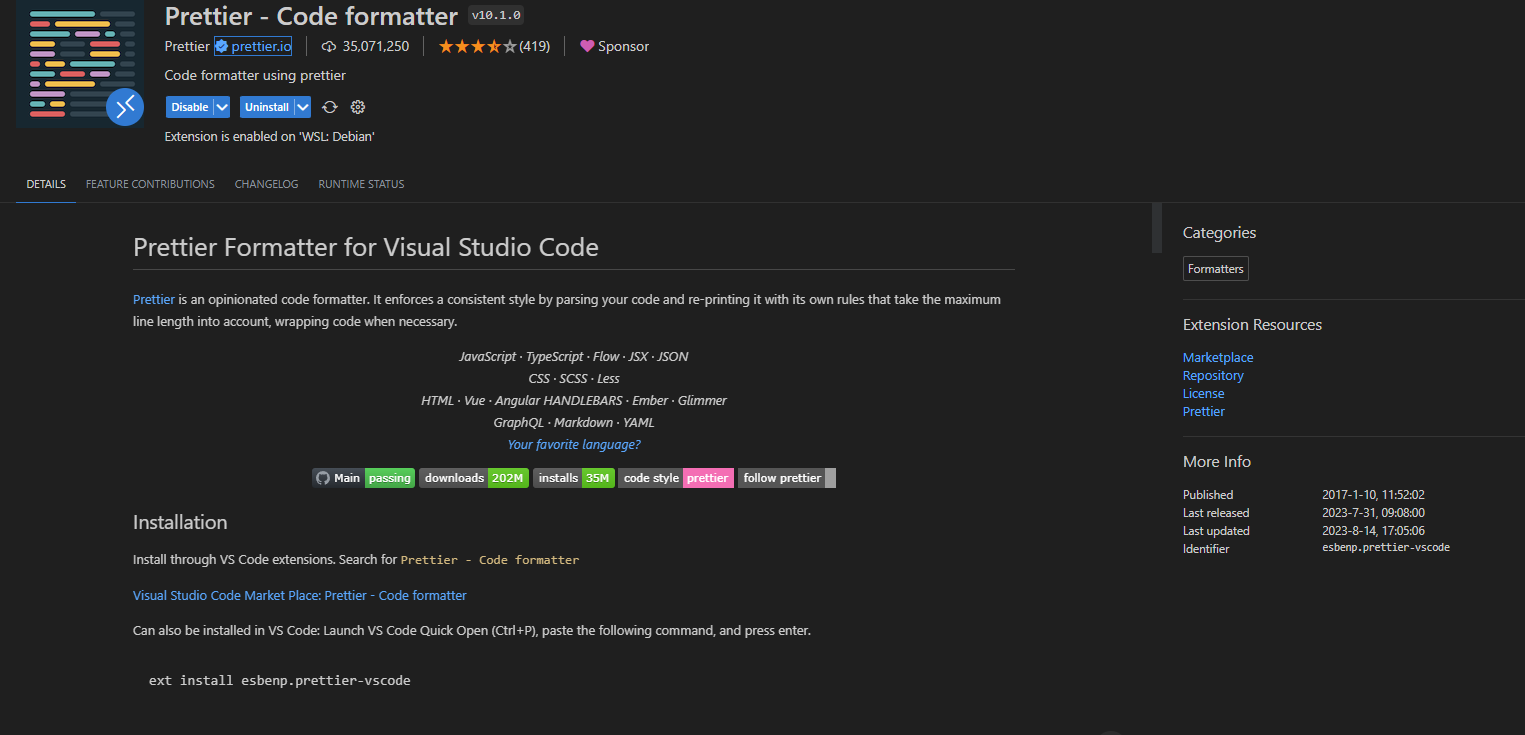
npm install -D prettier prettier-plugin-tailwindcss prettier-plugin-jinja-templateEnsure VSCode Prettier plugin is installed:
Test formatting works with:
npx prettier --write **/*.jinja(replace .jinja with .html depending on how you are storing your jinja files)
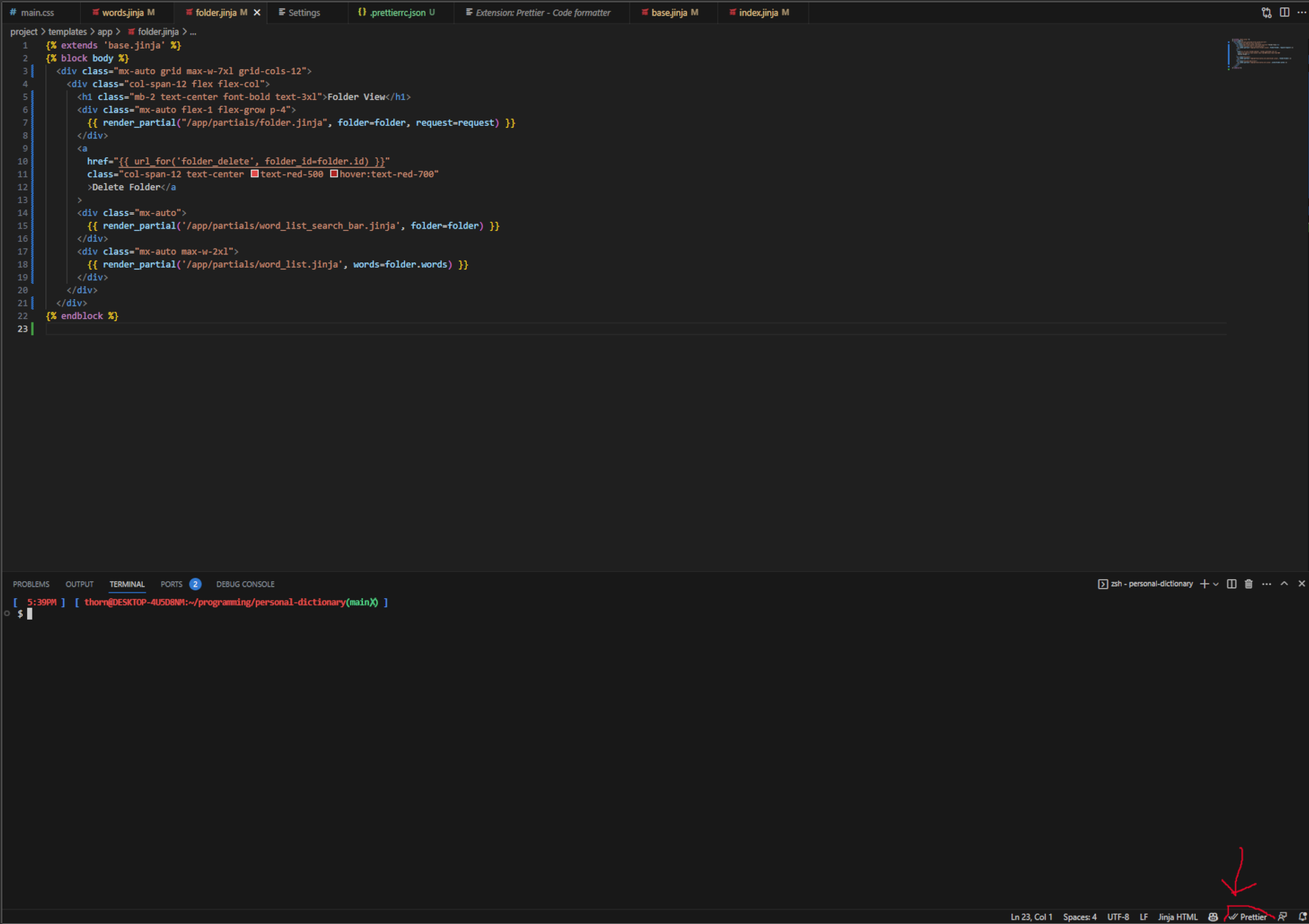
Open any .jinja file in your project and verify there are two checkmarks next to prettier along the bottom:
Good luck!